Compare All‑time Opt with your telemetry — free
Open an iRacing .ibt and overlay any lap on All‑time Opt / Best on the map and graphs.
Extract OptLine.zip and run OptLineSetup.exe. Map comparison works right away.
Free
Lap comparison
Pick a lap from the list to compare Opt and Best on the track map and on the Speed, Throttle, Brake, Steer, Gear, and Lateral graphs. ABS activity is shown too. No license key needed.
You can also open a teammate’s .ibt or a CSV from Garage 61 and overlay their lap on yours.
- Opt
- Best
- Your lap
- Reference lap
Paid $15
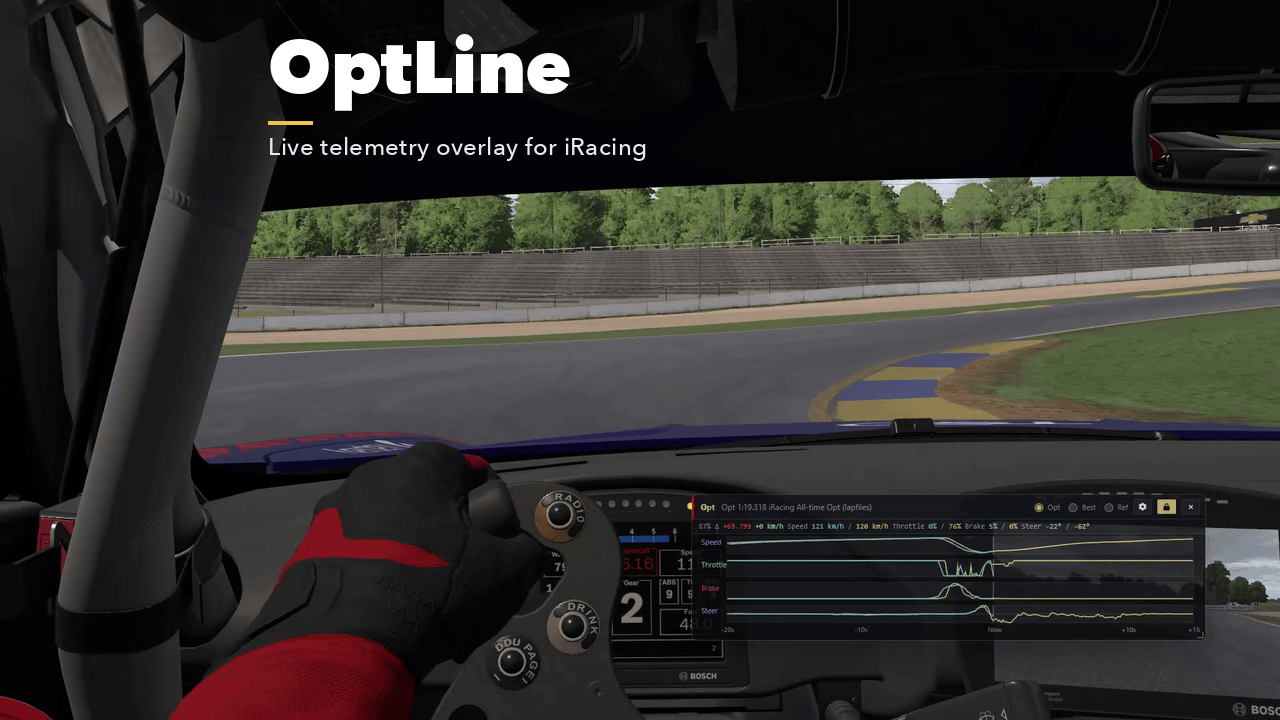
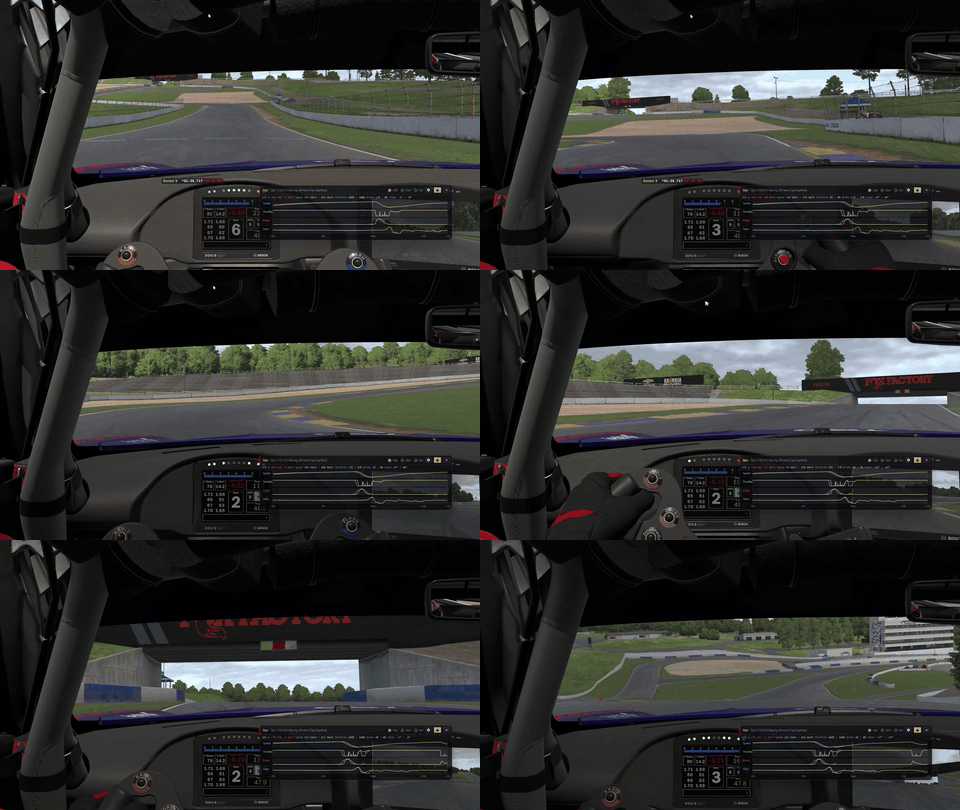
Overlay while driving
Shows Speed, Throttle, Brake, and Steer against Opt or Best at your current position on track.
You can play a sound where Opt or Best starts braking and gets on the throttle. A cue sounds 2.5 seconds before; you can set the input beep anywhere from 0 to 1.5 seconds before.
Free / paid
Free
- Open
.ibtfiles and the lap list - Opt / Best on the track map
- Speed and input graph comparison
- Garage 61 CSV / other people’s
.ibtas reference - 7 languages, update notices
Paid $15 (license key)
- Live comparison overlay
- Brake / throttle audio cues
How to use
- Turn on Enable disk based telemetry in iRacing.
- Open the
.ibtin OptLine. - Pick a lap from the list and compare on the map and graphs.
- For the overlay (paid $15), open the same track and car in iRacing, press Overlay, and enter your key when asked.
.ibt files are saved to Documents\iRacing\telemetry. If you changed that location, use Change folder in the open dialog.
You can’t open an .ibt while you’re still driving. If Opt or Best updates during a session, leave the session and open that .ibt.
Requirements
System
- Windows 10 / 11 (64-bit) only
- Microsoft Edge WebView2 Runtime (usually already installed on Windows 11 and on Windows 10 with Edge)
- The overlay only works when iRacing is windowed or borderless. It isn’t shown in fullscreen.
- Languages: Japanese, English, Português, Deutsch, Español, Français, Italiano
Install
- Extract
OptLine.zipand runOptLineSetup.exe. - Map and Opt / Best comparison work without a key.
- If Windows shows a protection screen, click More info → Run anyway.